

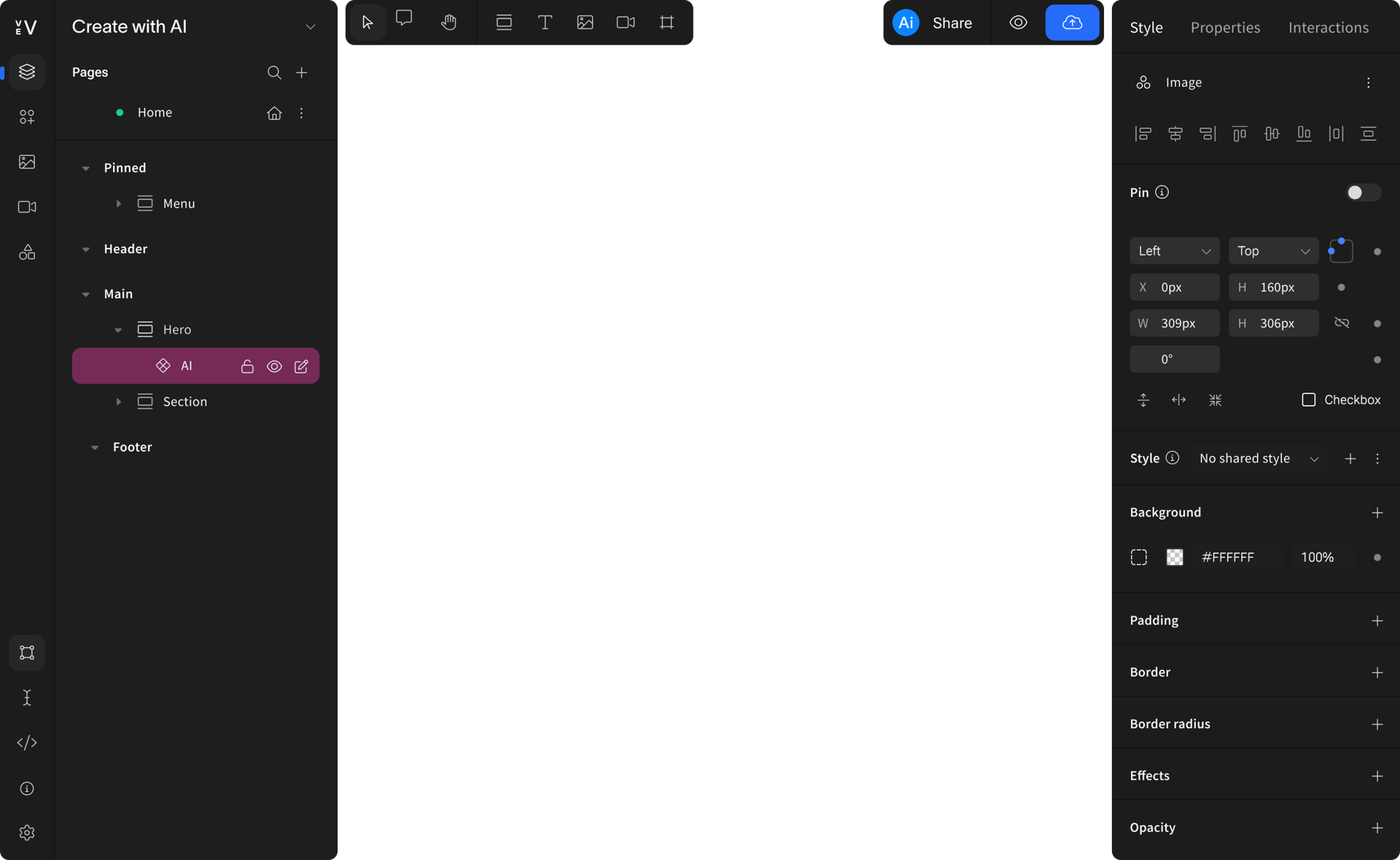
Page AI
From brief to on-brand layout in one session
Describe what you're building. Approve the section plan. Watch a complete, on-brand page stream into the editor—fully editable from the start.

Explore Page AI

Who is the primary attendee?
Healthcare & life sciences
Premium accent – which direction?
Photography direction?
Which industry vertical?
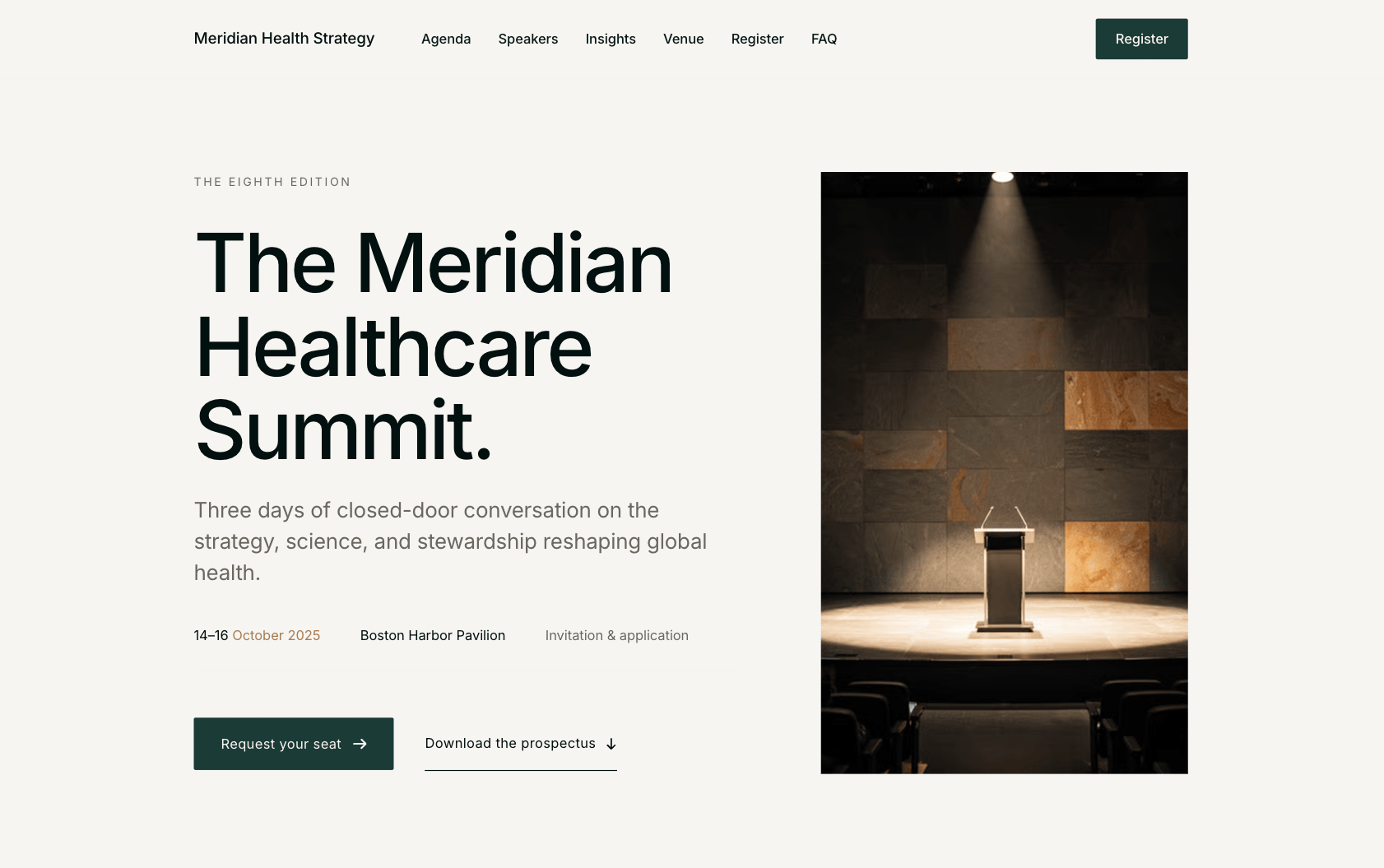
Leaning into the flagship-summit positioning with a cool, paper-white base and deep ink type – therestraint itself becomes the premium signal, and editorial portraits will carry the warmth.
Flagship industry summit
You've given me a lot to work with — format, tone, audience, and the monochrome direction are all locked. Two quick questions to sharpen the brand feel before I propose a theme:
Editorial portraits of speakers
Pure monochrome (no accent)
How should the event positioning feel?
C-suite & executives
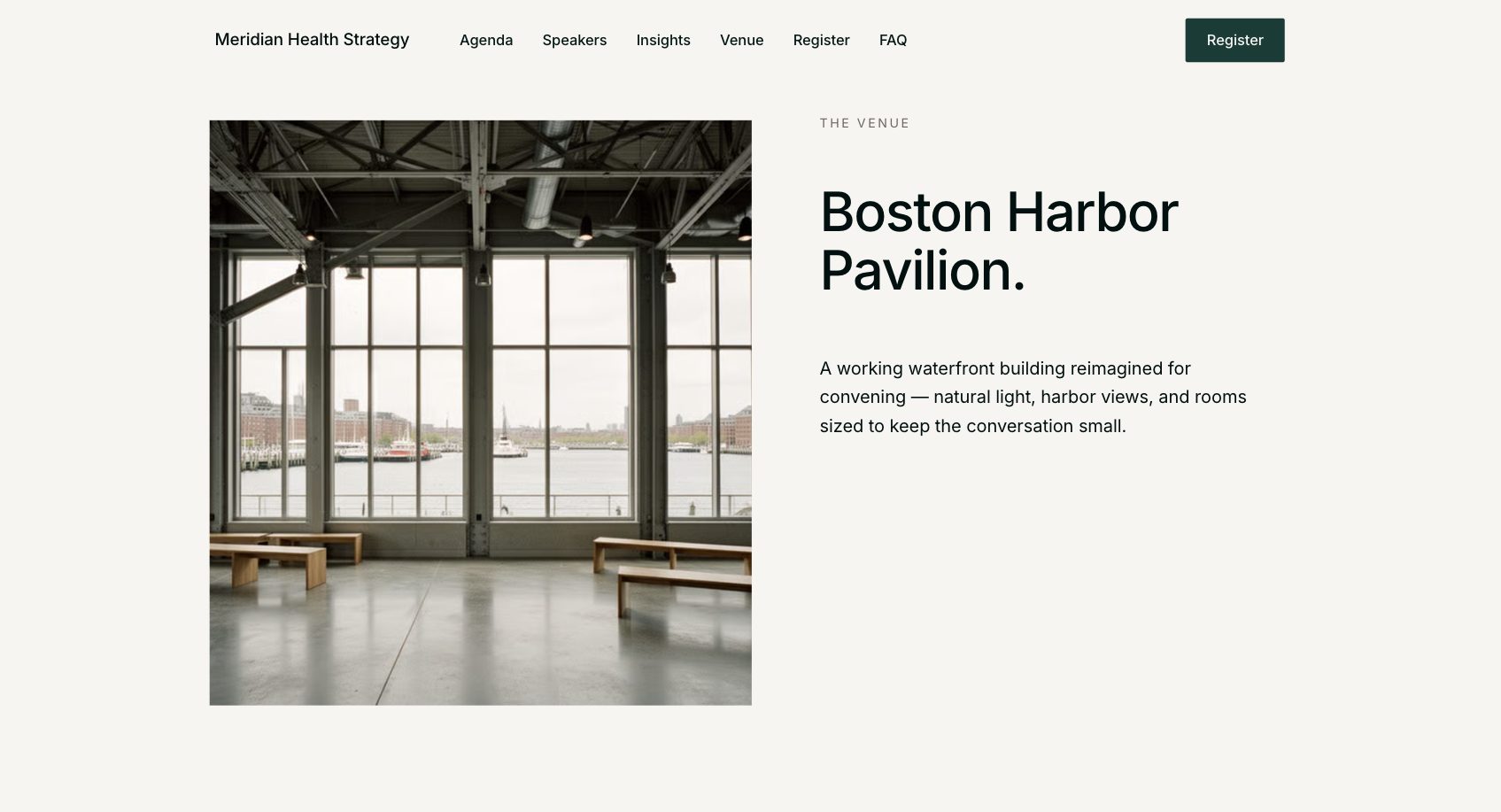
Create an event landing page for our firm.
→
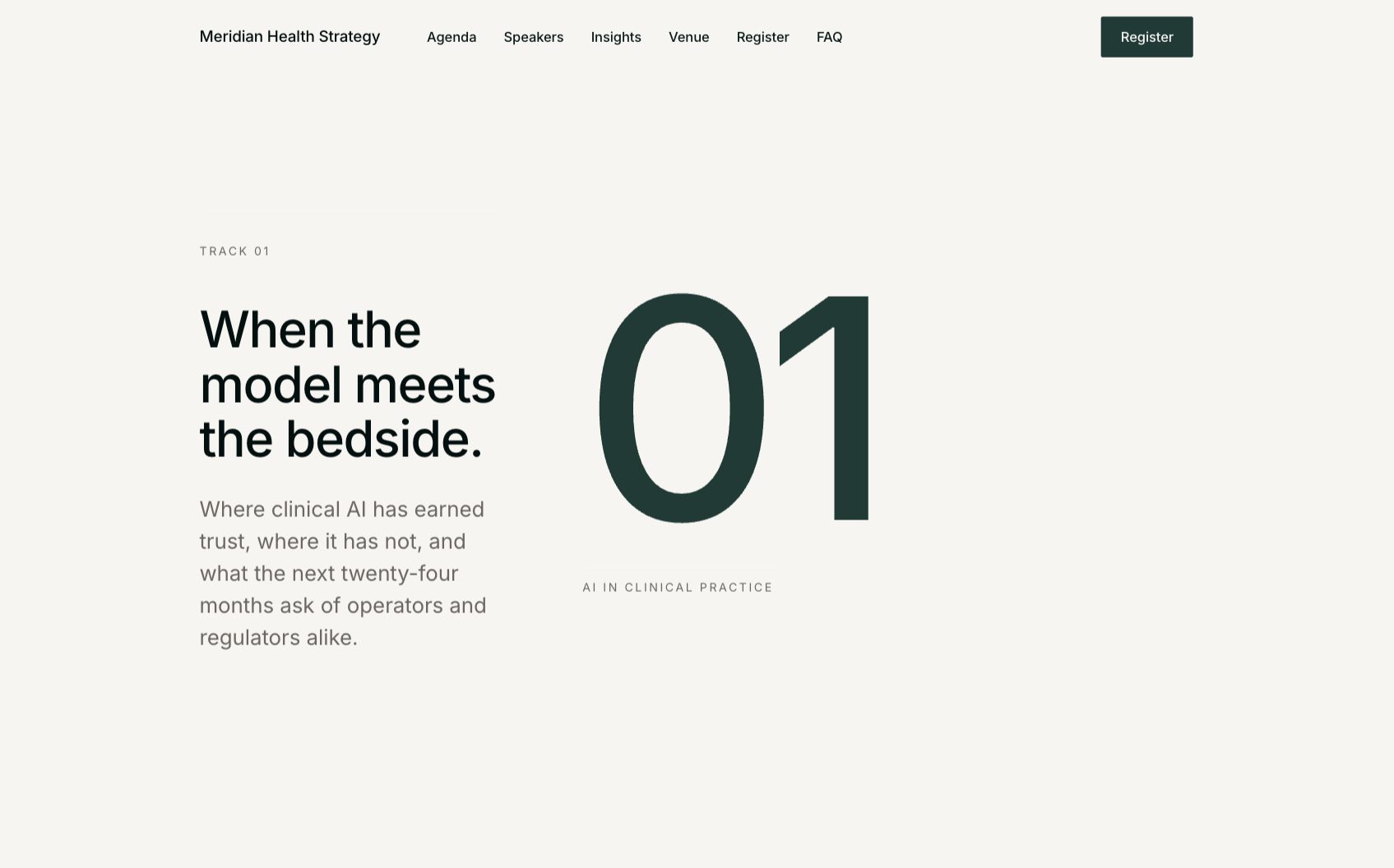

Element AI
Build custom components with AI
Turn a prompt into a fully interactive, production-ready element, built to your spec and ready to drop into any Vev page.
Describe it and watch AI generate a custom interactive element from scratch
Edit and extend the output directly in the Vev editor without touching code
Build at scale with purpose-built AI for Enterprise and Organisation plans
Explore with Element AI
View prompt


AI features
AI at every stage of your content production
Generate on-brand drafts, refine copy, edit images, and add voiceovers all without leaving the editor.
Library Page
Library Page drafts pages from your existing libraries—every suggestion built from your own components, styles, and layout patterns.
Text AI
Text AI generates, edit, and localize copy directly in the editor. Change tone, fix spelling, shorten, or expand with a click.
Image AI
Image AI removes backgrounds, restyle images, and make visual edits without leaving the canvas.
Voice AI
Voice AI turns written content into natural-sounding voiceovers with built-in ElevenLabs integration.
Build with AI
From zero to live
in seconds
Quickly draft entire pages tailored to your content and brand guidelines.
Create with AI

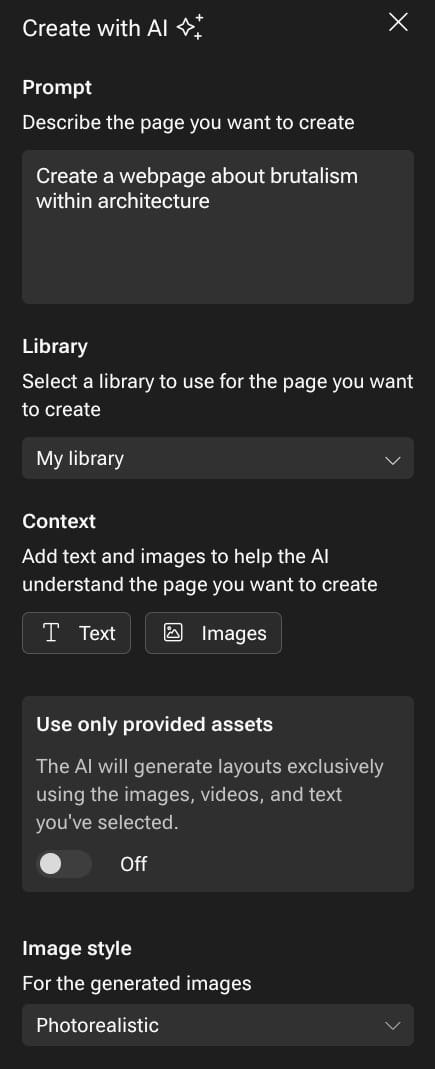
Draft layouts based on your existing components and libraries
Automatically apply your typography, color, and spacing variables
Smart content structuring based on the goals of your page
Think it. Prompt it. Publish it.
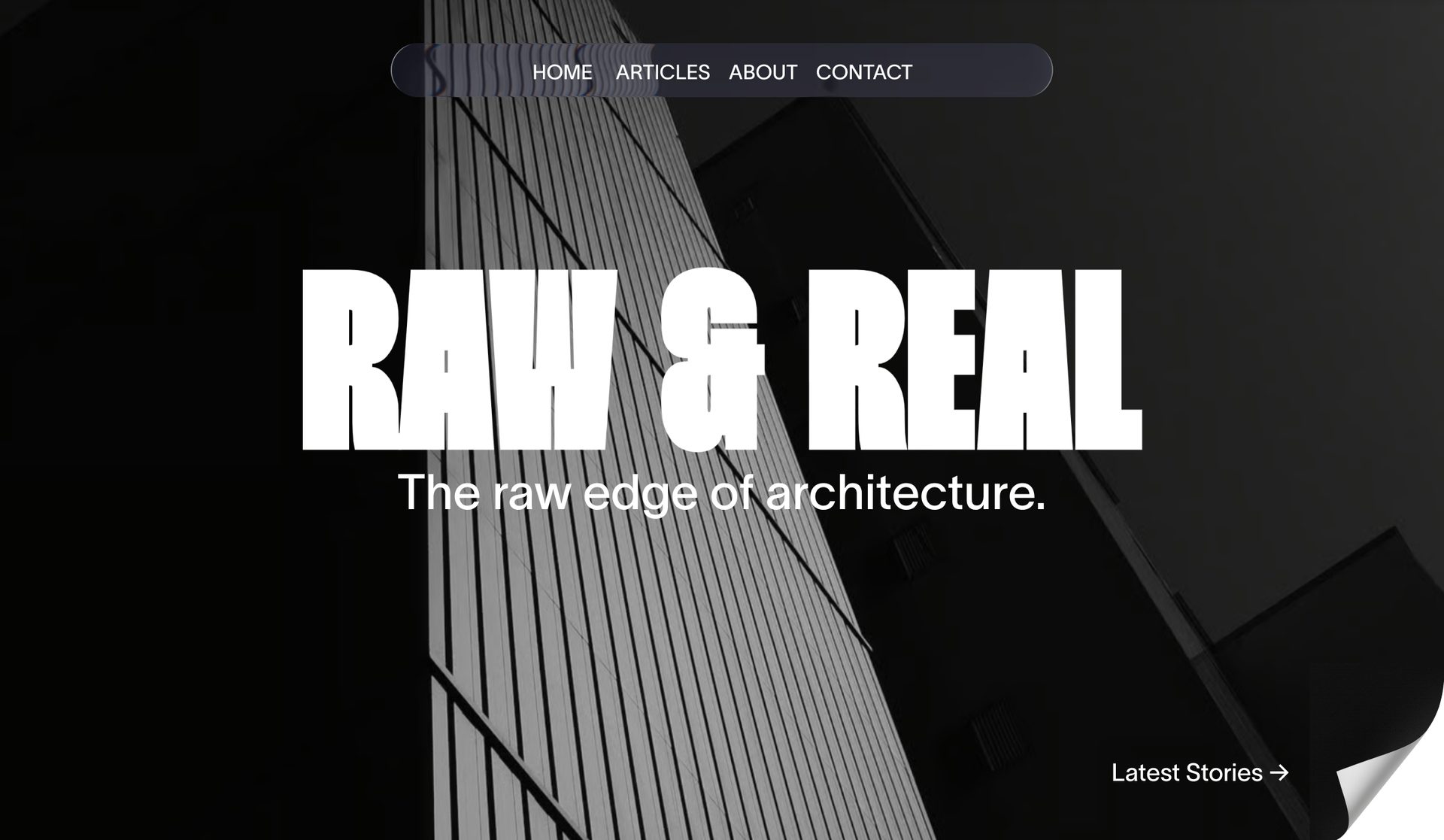
We need to update our magazines landing page
Sure, give me 2 minutes.
It needs to be contemporary and bold
Actually, it is already done...

AI + your design system
Stay on brand, automatically
Vev’s AI tool uses your existing styles, components, and layout patterns to keep every suggestion aligned with your brand.
Pulls from your branded Libraries

Suggests layout variants or states based on usage patterns
Identifies responsive best practices as part of the build
Text AI
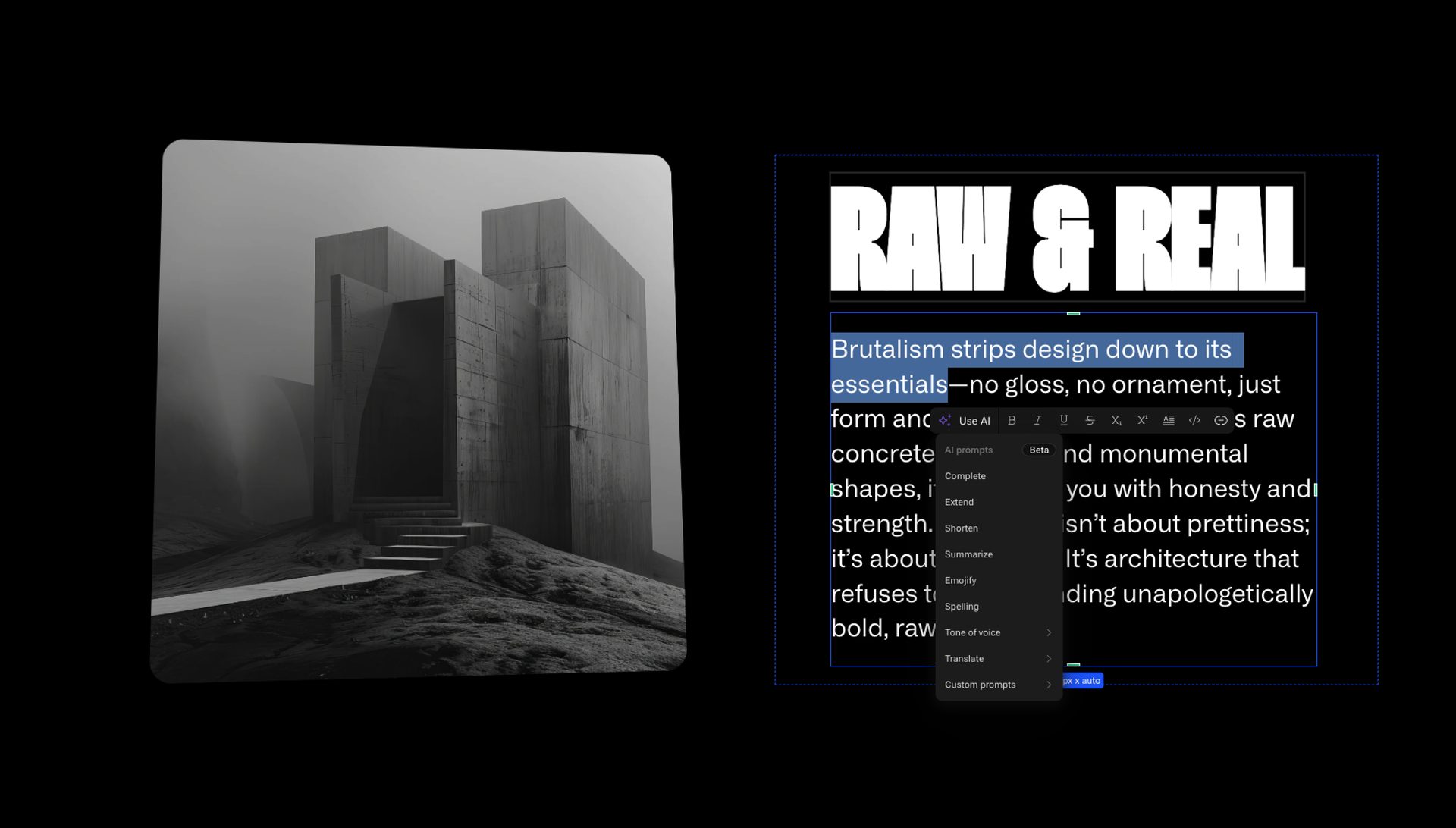
Write, refine, and translate instantly
Generate, edit, and localize text directly within the Vev Editor. Change tone of voice, fix spelling, shorten, or expand copy—all with a click.
Our new landing page builder helps you…
AI-assisted writing and translation built into the editor
“Our new landing page builder helps you quickly draft layouts, structure content, and stay fully on brand.”
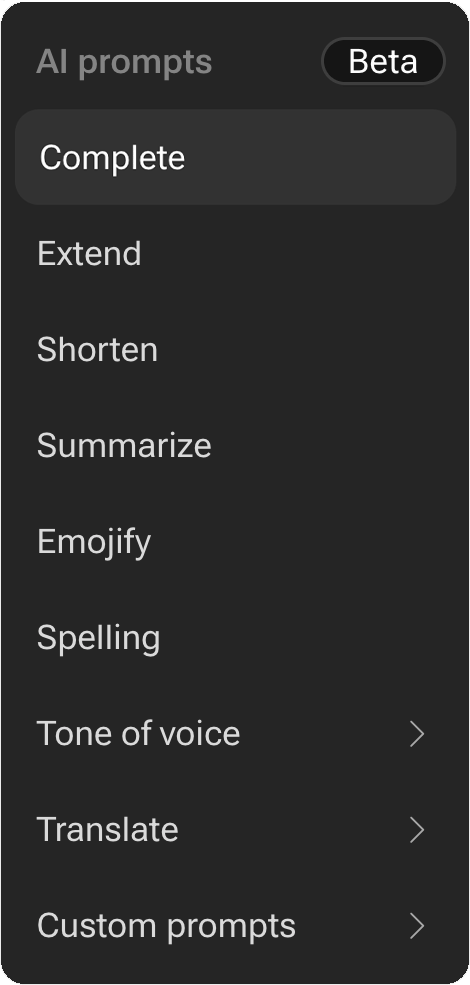
Enterprise users can add custom prompts that take full-page context—ideal for generating summaries, meta descriptions, or consistent messaging.
Image Description AI
Smarter visuals, stronger SEO
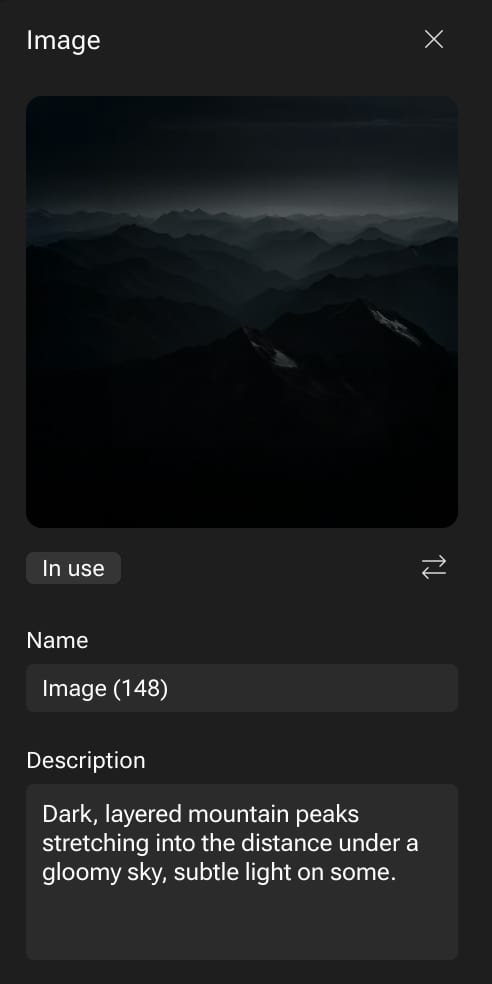
Every image you upload gets an automatically generated description from an AI vision model, instantly creating accessible and editable SEO-friendly alt text.

Dark, layered mountain peaks stretching into the distance under a gloomy sky, subtle light on some.
Alt text added
ARIA roles defined
WCAG 2.1 AA compliant
Voice AI
Turn written content into audio
Bring your pages to life with text-to-speech. Vev offers API-key-based integration with ElevenLabs to transform your written content into natural-sounding voiceovers.
Welcome to your new page. This voiceover was generated automatically from your written content.

Want to explore more?
Your creative partner is here
Start using Vev today to join the growing number of organizations letting AI create from their brand’s own playbook.